GenAI Llama - Home
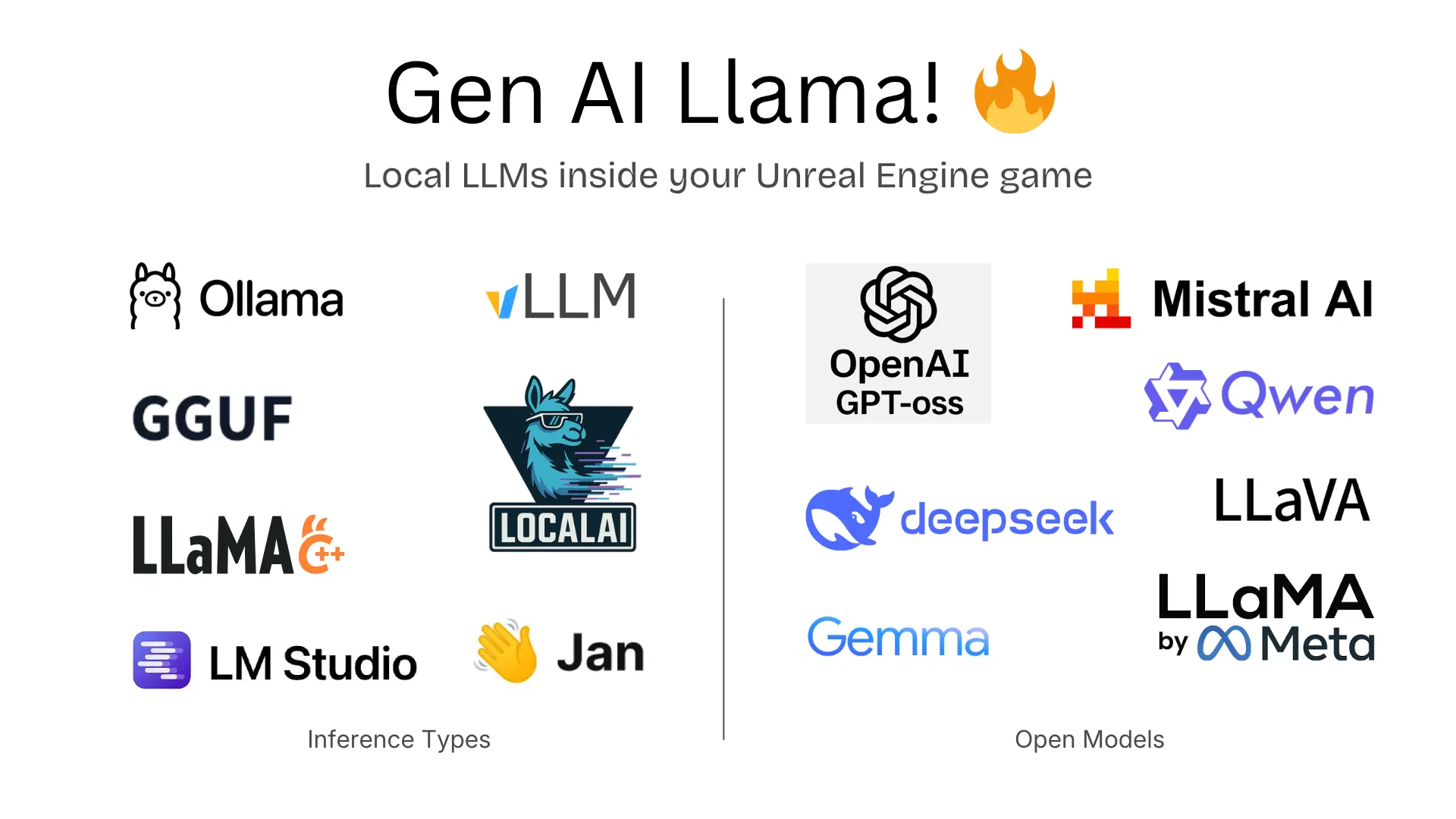
Welcome to the official documentation for GenAI Llama, an Unreal Engine plugin for running local AI models inside your games and applications. No cloud API keys, no internet required, no per-token costs.
GenAI Llama supports two modes of operation:
- HTTP Providers — Connect to any local inference server (Ollama, LM Studio, llama.cpp server, vLLM, LocalAI, Jan, or any OpenAI-compatible endpoint). Works out of the box.
- Embedded Inference (llama.cpp) — Run GGUF models directly inside your game process with no server required. Fully offline, works on PC and mobile. Optional — requires dropping prebuilt binaries into the plugin and rebuilding.
Getting Started
New to GenAI Llama? Here’s the recommended path:
- Quick Start — Get your first local AI response in five minutes, via HTTP (Ollama) or embedded (llama.cpp). Pick whichever suits you.
- Blueprint Nodes — Reference for every node the plugin adds: chat completion, streaming, embedded model loading, health checks.
- GGUF Models — Where to download models, quantization reference, sizing for mobile / desktop / console.
- Embedded Inference Setup — Drop llama.cpp binaries into the plugin, per platform. Required for the embedded provider.
- Troubleshooting — When something doesn’t work, start here.
What Ships With This Plugin
| Component | Included | Notes |
|---|---|---|
| Plugin source code | Yes | Full C++ source for all features |
| HTTP provider support | Yes | Works immediately with any local inference server |
| llama.cpp headers | Yes | Pinned to b8802 (April 2026) |
| llama.cpp compiled libraries | No | Download prebuilt or compile — see Embedded Inference Setup |
| Example project | Yes | Blueprint examples demonstrating all features |
HTTP providers work out of the box. Embedded inference is opt-in — download the pinned b8802 binaries from llama.cpp GitHub releases or compile from source.
Embedded inference is pinned to llama.cpp b8802 (April 2026)
The plugin's bundled headers and dynamic-loader symbol list are validated against this exact build. llama.cpp renames and removes exported symbols between releases, so any other version will typically fail symbol resolution at startup. The Project Settings > Plugins > GenAI Llama panel has a one-click button to open the pinned release page.
Supported Providers
| Provider | API Format | Default Port | Notes |
|---|---|---|---|
| Ollama | Ollama Native | 11434 | Full-featured, easiest setup |
| LM Studio | OpenAI Compatible | 1234 | GUI-based, great for prototyping |
| llama.cpp server | OpenAI Compatible | 8080 | Lightweight HTTP server |
| vLLM | OpenAI Compatible | 8000 | High-throughput production serving |
| LocalAI | OpenAI Compatible | 8080 | Drop-in OpenAI replacement |
| Jan | OpenAI Compatible | 1337 | Desktop app with model management |
| Embedded (llama.cpp) | Direct / In-process | N/A | No server needed. Requires compiled libs. |
Compatibility
- Unreal Engine: 5.1, 5.2, 5.3, 5.4, 5.5, 5.6, 5.7
- Platforms: Windows, macOS, Linux (HTTP and Embedded)
- Experimental: Android, iOS, PS4, Xbox One, Switch, HoloLens — not in the Fab allow-list at launch.
Platform Support Detail
| Platform | HTTP Providers | Embedded (prebuilt) | Embedded (compile from source) |
|---|---|---|---|
| Windows (x64) | Yes | Yes — CUDA, Vulkan, CPU | Yes |
| macOS (Apple Silicon) | Yes | Yes — Metal, CPU | Yes |
| macOS (Intel) | Yes | Yes — CPU | Yes |
| Linux (x64) | Yes | Yes — CUDA, Vulkan, CPU | Yes |
| Android (ARM64) (experimental) | — | No | Yes — Vulkan, CPU (static .a) |
| iOS (ARM64) (experimental) | — | No | Yes — Metal, CPU (static .a) |
| PS4 / Xbox One / Switch / HoloLens (experimental) | — | — | — |
Desktop platforms support dynamic loading — drop prebuilt shared libs into ThirdParty/LlamaCpp/lib/<Platform>/ and rebuild. Mobile requires static linking — compile llama.cpp for the NDK/Xcode toolchain and place the resulting .a files in the matching folder. Consoles don’t support embedded inference; use an HTTP provider on a companion PC.
Why GenAI Llama?
- Zero cloud costs. Run entirely on the user’s machine (or your companion server) — no per-token billing.
- Full offline support. Embedded mode works with no internet connection, ever.
- Privacy by default. User prompts never leave the player’s device when running embedded.
- One plugin, seven providers. Switch between Ollama, LM Studio, and embedded llama.cpp with a single dropdown change — same Blueprint nodes.
- Cancellable async. Every request is a Blueprint async node with
Cancel()— safe to tear down mid-generation when the player closes the chat UI. - Live status in-editor. The Project Settings panel shows whether embedded inference is loaded, plus a per-platform scan of what libraries are on disk.
Multimodal Vision (HTTP only)
Vision models (llava, llama3.2-vision, gpt-4o) work through HTTP providers. Attach either:
- Images As Textures —
UTexture2Dreferences on a chat message; plugin auto-encodes to PNG Base64. - Images — pre-encoded Base64 strings.
Image formatting is handled per provider automatically (Ollama images array vs. OpenAI-compatible image_url content parts).
Embedded inference is text-only for now. llama.cpp’s multimodal runtime (libmtmd) ships in the pinned release but isn’t yet wired into the plugin’s embedded path. For vision/audio, route through an HTTP provider.
Next Steps
- Quick Start — Five-minute HTTP or embedded walk-through.
- Blueprint Nodes — Complete node reference with inputs and outputs.
- C++ API — Production-ready C++ snippets for chat, streaming, embedded loading.
- GGUF Models — Where to get models, which quant to pick.
- Embedded Inference Setup — Enable the embedded provider.
- Troubleshooting — When things don’t work.
- Example Project — Download a ready-made example for your engine version.