Best AI Plugins for Unreal Engine in 2026
The AI plugin ecosystem for Unreal Engine has matured significantly. If you're looking to add generative AI to your project, here's an honest breakdown of what's available and what to consider.
What to Look For in an AI Plugin
Before comparing options, know what actually matters:
- Provider coverage. AI moves fast. A plugin locked to one provider means you're locked to their pricing, uptime, and model quality. Multi-provider support lets you adapt.
- Blueprint and C++ support. Designers need Blueprint nodes. Programmers need C++ access. Both should be first-class.
- Streaming. If your game shows AI-generated text or plays AI-generated audio, streaming is non-negotiable for good UX.
- Active maintenance. New models launch monthly. Your plugin needs to keep up.
- Production readiness. Example projects are nice. Tested, documented, battle-hardened code is better.
GenAI for Unreal
GenAI for Unreal is our flagship plugin covering the major western AI providers:
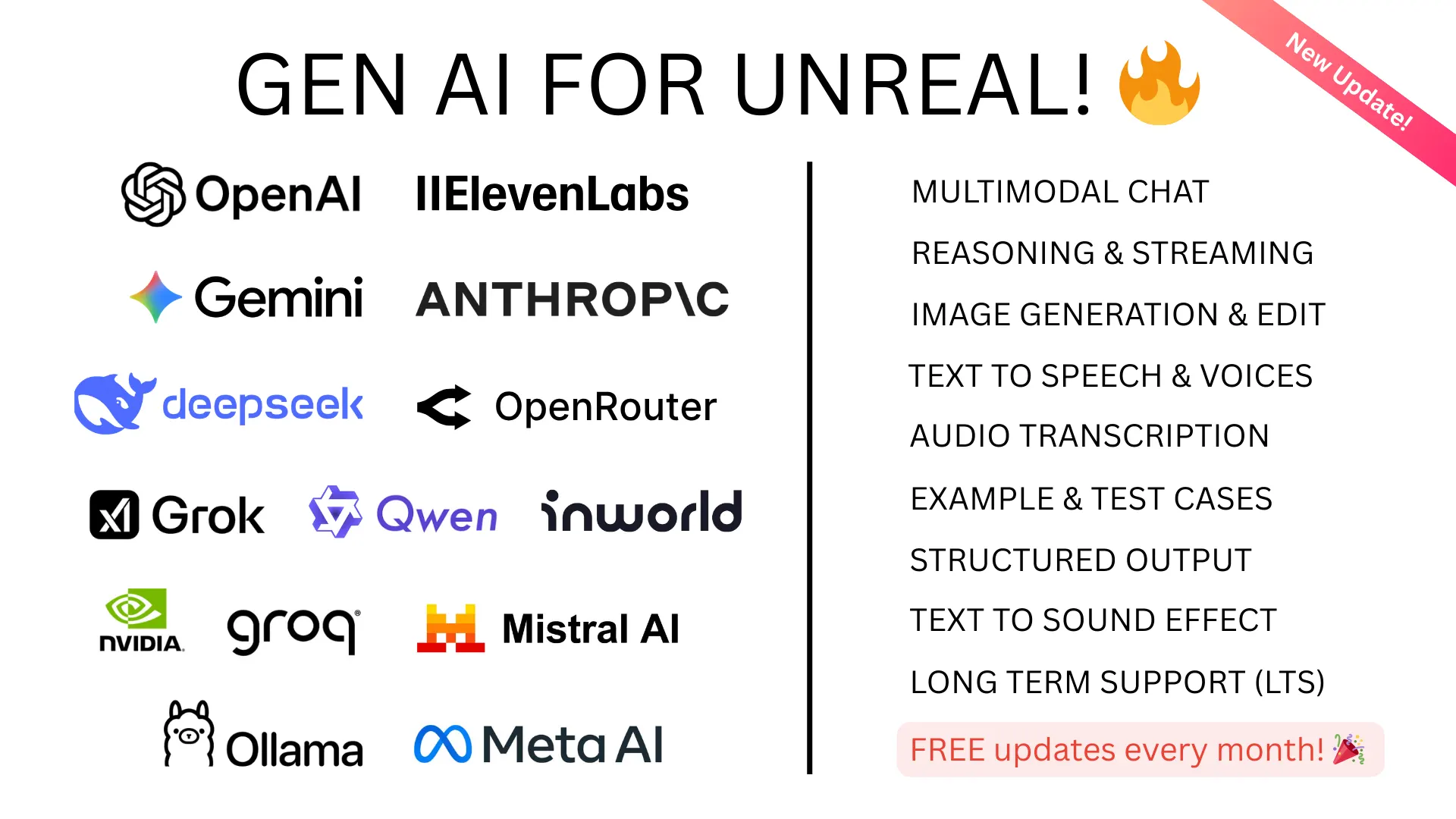
- Chat: OpenAI (GPT-5.4, GPT-4o), Anthropic (Claude Opus/Sonnet 4.6), Google (Gemini 3.1), XAI (Grok 4.1), DeepSeek (V3.1, R1)
- Image generation: DALL-E, GPT-Image-1, Imagen 4.0, Gemini Nano Banana
- Text-to-speech: OpenAI TTS, ElevenLabs, Inworld AI, Google TTS
- Transcription: OpenAI Whisper, ElevenLabs Scribe, Google
- Realtime voice: OpenAI Realtime API, Google Gemini Live
- Advanced features: Function calling, structured JSON output, OpenAI Responses API, reasoning models, OpenAI Compatible Mode (Ollama, Groq, Mistral, OpenRouter, and more)
Updated regularly with same-week support for major model launches. Full documentation and example projects included.
GenAI Chinese Models
For developers targeting Chinese-speaking markets, GenAI Chinese Models is a companion plugin covering:
- Alibaba Qwen: Chat, streaming, TTS, and image generation
- Bytedance: Chat, streaming, and image generation (Skylark, Seedream, hosted DeepSeek)
- Moonshot AI Kimi: Chat and streaming
Both plugins work alongside each other if you need full global coverage.
GenAI Model Generator
GenAI Model Generator brings AI-powered 3D asset creation directly into Unreal Engine:
- Text-to-3D: Describe a 3D model in plain text and receive a fully formed asset (Meshy, Tripo AI, Hyper3D Rodin)
- Image-to-3D: Convert concept art to 3D models (all 7 providers including fal.ai with Hunyuan3D, TripoSR, Rodin Gen-2, Trellis 2)
- AI Retexturing: Apply AI-generated PBR textures to existing meshes
- Texture Generation: Generate complete PBR texture sets with Google's AI
- Built-in Editor Tool: Generate 3D models from a visual editor widget without writing code
Seven providers, one unified interface. Export as GLB, FBX, OBJ, USDZ, or STL with configurable polygon counts. Full documentation included.
GenAI Llama (Local AI)
For local/offline AI, GenAI Llama (formerly Unreal Ollama) supports two modes: connect to any of 7 local inference servers (Ollama, LM Studio, llama.cpp server, vLLM, LocalAI, Jan) via HTTP, or run GGUF models directly inside your game process with embedded llama.cpp. Run Llama 3, Mistral, Phi, Gemma, DeepSeek, and hundreds more models locally. Chat completions, streaming, multimodal vision, GPU acceleration (CUDA, Vulkan, Metal). Supports UE 5.1-5.7, with HTTP providers working on PC, mobile, and consoles (PS4, Xbox, Switch, HoloLens).
The Bottom Line
The best plugin depends on your needs. If you want maximum provider flexibility with production-grade reliability, GenAI for Unreal covers the most ground. If you need Chinese market AI, the Chinese Models plugin fills that gap. For AI-powered 3D asset generation, GenAI Model Generator connects you to the best services. And if you want local-first AI with no per-token costs, GenAI Llama gives you 7 providers plus embedded inference.