AI Inference from C++ vs Blueprints in Unreal Engine 5
When integrating Large Language Models (LLMs) like GPT-5.4 or Claude into an Unreal Engine 5 project, developers face a core architectural choice: Should the API calls be handled in C++ or exposed to Game Designers via Blueprints?
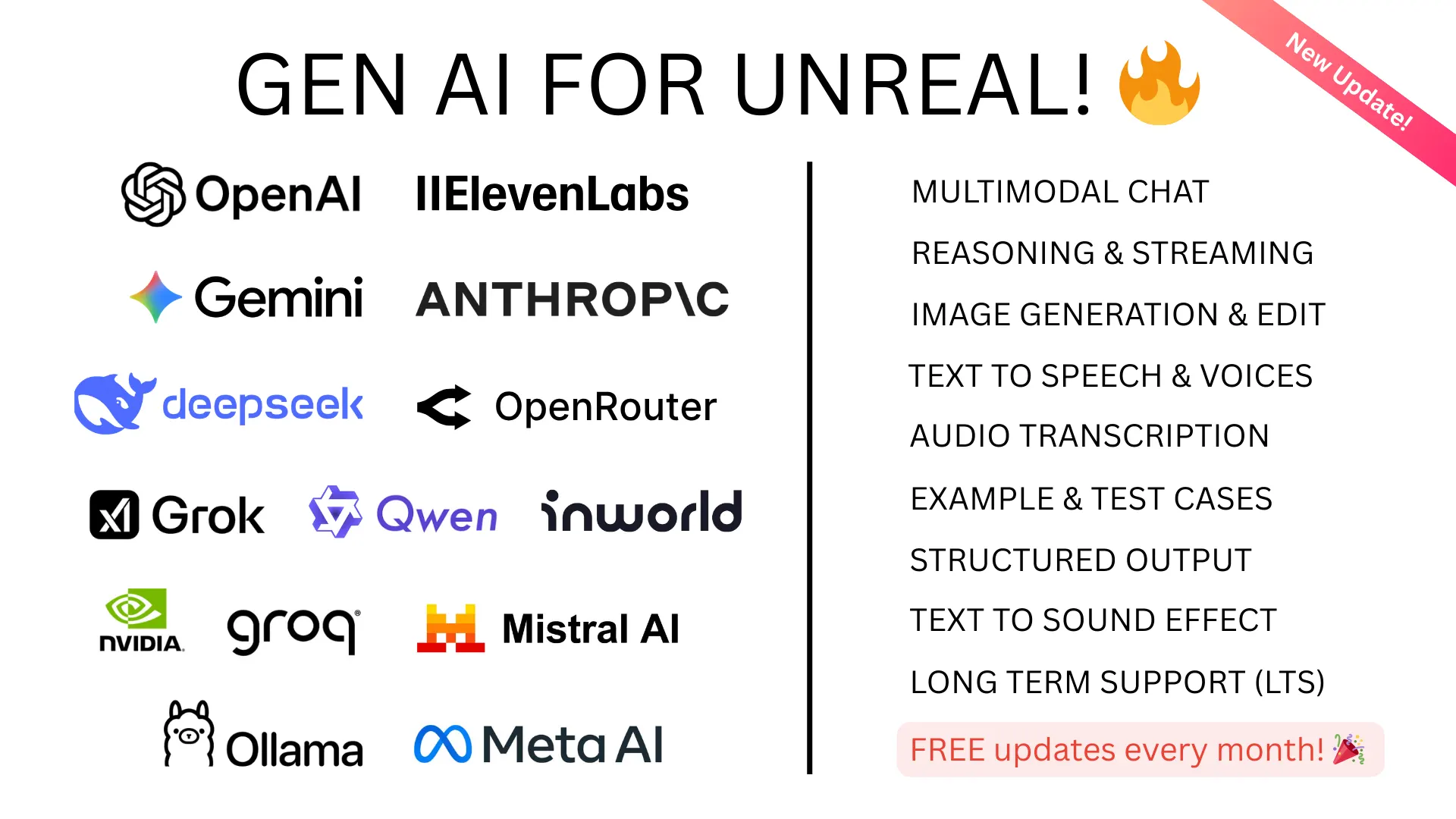
The GenAI for Unreal plugin offers 100% feature parity between both environments. However, the way memory, latency, and object lifecycles are handled differs drastically.
The Asynchronous Nature of AI
AI inference is inherently asynchronous. When an NPC asks a question, the game must continue ticking at 60 FPS while the HTTP request travels to OpenAI’s servers and waits for a response. If you block the Game Thread to wait for the network, your game freezes.
Blueprint Solution: UCancellableAsyncAction
In Blueprints, the plugin handles async operations using UCancellableAsyncAction. This creates the familiar node with the “clock” icon in the top right corner. The node fires an execution pin out of OnCompleted when the web request finishes.
The built-in safety of Blueprints: Blueprint Async Actions are inherently safe regarding object lifetime. If the Actor that called the AI node is destroyed (e.g., the NPC dies) before the API responds, the engine automatically swallows the callback. You don’t have to worry about null pointer crashes.
C++ Solution: TWeakObjectPtr
In C++, you must explicitly manage memory safety. When you pass a Lambda function as a callback for an HTTP request, that Lambda might execute 3 seconds later. If the object that originated the request has been garbage collected in those 3 seconds, accessing this-> inside the Lambda will trigger a fatal crash.
The C++ Safety Pattern: You must capture a TWeakObjectPtr to this in your Lambda and verify its validity before executing any logic.
void AMyNPCActor::SendChatRequest()
{
    FGenOAIChatSettings Settings;
    Settings.Model = TEXT("gpt-5.1");

    // Create a weak pointer to the current instance
    TWeakObjectPtr<AMyNPCActor> WeakThis(this);

    UGenOAIChat::SendChatRequest(Settings, Messages,
        FOnChatCompletionResponse::CreateLambda([WeakThis](const FString& Response, const FString& Error, bool bSuccess)
        {
            // CRITICAL: Always check if the object is still valid before proceeding.
            if (!WeakThis.IsValid()) return;

            if (bSuccess)
            {
                WeakThis->HandleAIResponse(Response);
            }
        })
    );
}
Cancellation and Cleanup
If an NPC initiates a 10-second streaming response, but the player walks out of range, you need to sever the HTTP connection. Continuing to download tokens for an abandoned conversation wastes API credits and network bandwidth.
- In Blueprints: You simply drag a pin off the Async Action Node return value and call Cancel().
- In C++: The static functions return a TSharedPtr
</strong>. You must store this in a member variable. In your Actor's EndPlay method, you check if the request is still processing and call ActiveRequest->CancelRequest().
Which Should You Use?
Use Blueprints when:
- You are a Game Designer or Technical Artist prototyping interactions.
- The logic lives primarily in UMG (UI) widgets (e.g., a chat box or prompt input field).
- You want to rapidly iterate on System Prompts without waiting for C++ compiles.
Use C++ when:
- You are building a custom Proxy Server layer to route all AI traffic through your backend to protect your API keys.
- You are processing large amounts of JSON Structured Output and need the performance of native FJsonSerializer over Blueprint parsing loops.
- You are integrating the AI responses deeply into native Unreal Engine systems like the Mass framework or custom Movement Components.