Using Llama 3 in Unreal Engine
Meta's Llama models are the most widely adopted open-source large language models in the world. Llama 3, Llama 3.1, and Llama 3.2 deliver strong general-purpose AI capabilities and can run entirely on local hardware — making them a compelling choice for Unreal Engine game development where privacy, offline play, or zero API costs matter.
Why Llama for Game Development?
- Free to run, no per-request fees. Download the model once, run it forever. Meta's licensing allows commercial use.
- Multiple sizes. Llama 3.2 comes in 1B, 3B, 8B, and 70B parameter variants. Pick the right tradeoff between quality and performance for your hardware.
- Offline capable. Once downloaded, Llama runs without internet. Your game works on planes, submarines, and areas with no connectivity.
- Vision support. Llama 3.2 Vision models can process images alongside text — useful for AI that can "see" in-game screenshots or player-submitted content.
- Strong reasoning. Llama 3's larger variants rival proprietary models for dialogue, quest generation, and game master AI.
Best Llama Models for Unreal Engine
- Llama 3.2 1B — Ultra-lightweight. Runs on almost any GPU. Great for simple NPC barks, item descriptions, and basic dialogue.
- Llama 3.2 3B — Good balance of speed and quality. Handles multi-turn conversations well.
- Llama 3.1 8B — The sweet spot for most game applications. Rich dialogue, quest generation, lore creation.
- Llama 3.1 70B — Near-frontier quality. Requires serious hardware but delivers exceptional results for complex AI game masters.
- Llama 3.2 Vision — Multimodal model that processes images. AI that can analyze screenshots or in-game visuals.
Two Ways to Run Llama in Unreal Engine
Option 1: GenAI Llama (Local AI Plugin)
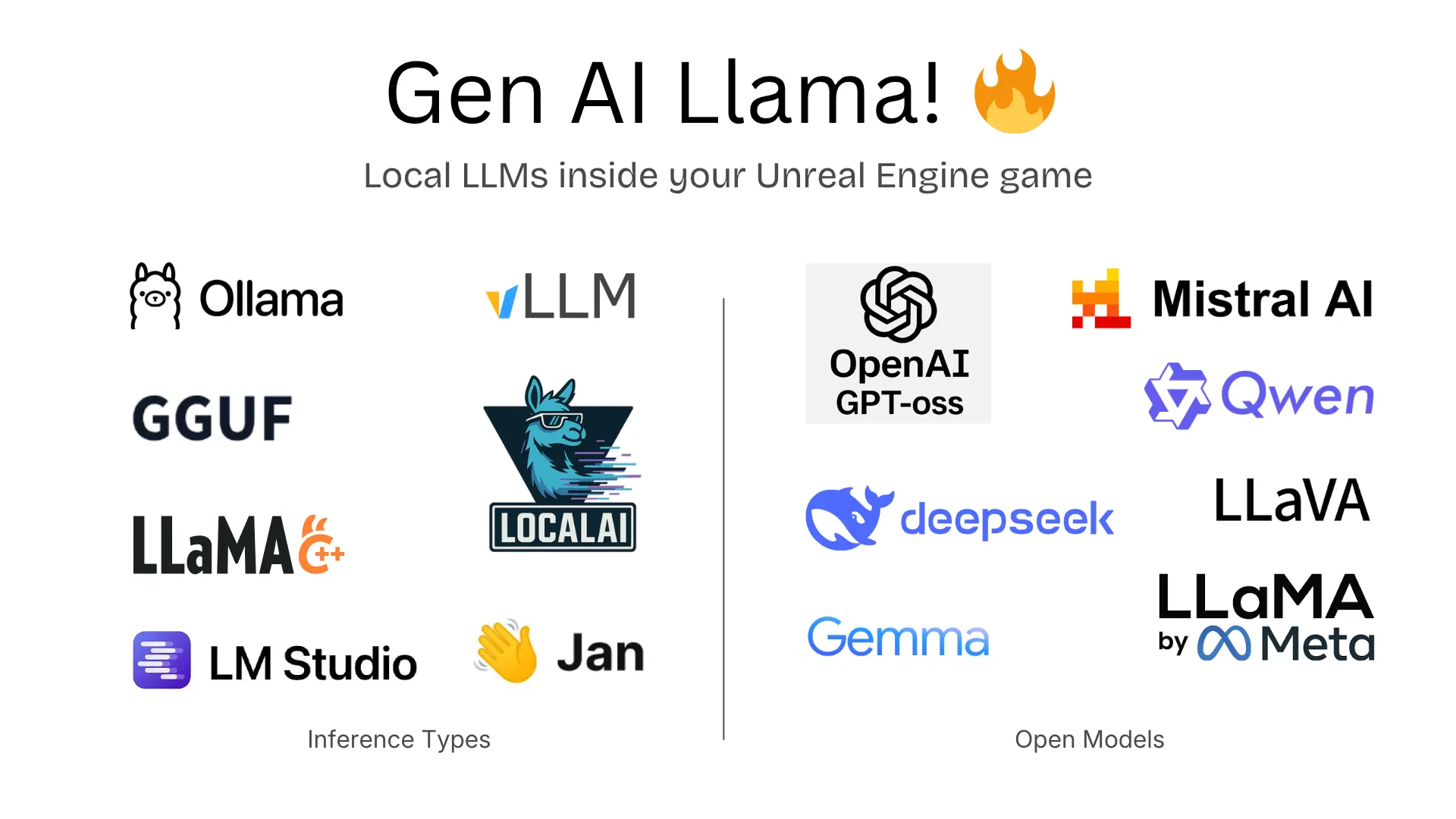
GenAI Llama is our Unreal Engine plugin for local AI — supporting 7 HTTP providers (Ollama, LM Studio, llama.cpp server, vLLM, LocalAI, Jan) plus embedded llama.cpp inference. Install Ollama, pull a Llama model (ollama pull llama3.2), and you're running Meta's AI locally in your game. Or use embedded inference to run GGUF models directly in your game process — no server needed.
- Chat completions and real-time streaming
- Multimodal vision support (send images to Llama 3.2 Vision)
- Blueprint and C++ APIs
- Zero cost, zero cloud dependency
Option 2: GenAI for Unreal (OpenAI Compatible Mode)
GenAI for Unreal supports Llama through its OpenAI Compatible Mode. This means you can use Llama alongside cloud providers like ChatGPT and Claude — switching dynamically between local and cloud models at runtime. Use Llama for offline play and GPT-5 when connected.
Getting Started
- Install Ollama
- Pull a Llama model:
ollama pull llama3.2 - Install GenAI Llama or GenAI for Unreal
- Point the plugin at
http://localhost:11434 - Start chatting with Llama from Blueprints or C++
Use Cases
- Offline NPC dialogue — characters that talk without internet
- Procedural quest generation — unique quests every playthrough
- AI game masters — dynamic storytelling that adapts to player choices
- In-game assistants — help systems that understand natural language
- Rapid prototyping — test AI features without API bills