Using Groq and OpenRouter in Unreal Engine
Speed matters in games. When a player asks an NPC a question, they shouldn't wait 3 seconds for a response. Groq and OpenRouter solve this by offering blazing-fast LLM inference through OpenAI-compatible APIs — and both work in Unreal Engine today.
Groq: Hardware-Accelerated Inference
Groq builds custom LPU (Language Processing Unit) chips designed specifically for LLM inference. The result: models that generate tokens 10-20x faster than standard GPU inference. Llama 3 on Groq feels instantaneous.
- Sub-100ms time to first token
- 500+ tokens per second output
- Supports Llama 3, Mistral, Gemma, and Mixtral
- OpenAI-compatible API — works with existing integrations
OpenRouter: One API, Every Model
OpenRouter aggregates dozens of LLM providers behind a single API. Access GPT-5, Claude, Gemini, Llama, Mistral, and more through one endpoint. Switch models by changing a string — no code changes, no new SDKs.
- Access to 100+ models from every major provider
- Automatic fallback — if one provider is down, route to another
- Unified billing across all providers
- OpenAI-compatible API format
When to Use Groq vs OpenRouter
- Groq: best when your priority is very low latency for live gameplay interactions.
- OpenRouter: best when you need broad model choice and quick provider switching.
- Hybrid: route live NPC chat to Groq and long-form generation to higher-capability models via OpenRouter.
Reliability Checklist
- Implement timeout + retry with backoff on provider calls.
- Keep at least one fallback model configured for peak traffic windows.
- Log first-token latency and completion latency separately to spot bottlenecks.
- Guard against rate limits with queueing for non-critical requests.
How to Use Them in Unreal Engine
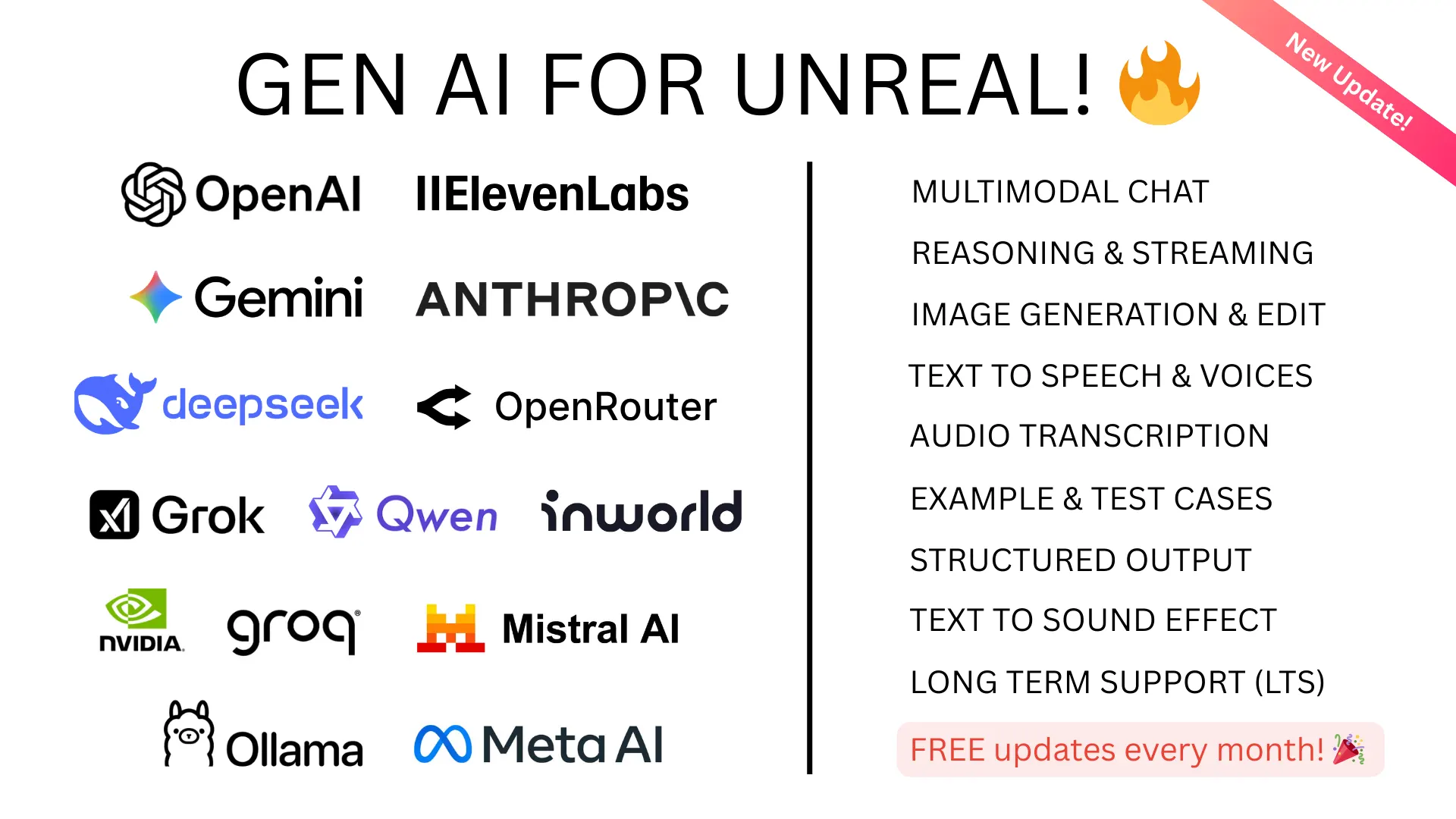
GenAI for Unreal supports both Groq and OpenRouter through its OpenAI Compatible Mode. Set the base URL and API key, and you're streaming responses from any compatible provider.
This same mode also works with: Ollama (local), Together AI, Anyscale, Fireworks AI, Perplexity, and any other OpenAI-compatible endpoint.