Using Google Gemini in Unreal Engine
Google's Gemini models bring something unique to the table for game developers: strong multimodal capabilities, competitive pricing, and features like native image generation and TTS baked right into the model family.
What Makes Gemini Interesting for Games
Multimodal input. Gemini can process both text and images in a single request. Feed it a screenshot of your game and ask it to describe what's happening, generate commentary, or make decisions based on visual context. This opens the door to AI spectator systems, visual puzzle solvers, and environment-aware NPCs.
Built-in image generation. Gemini's Nano Banana models generate images directly — no separate DALL-E call needed. Useful for in-game concept art, dynamic textures, or visual content that adapts to player actions.
Native TTS. Gemini can generate spoken audio directly, with a wide selection of voices and language support. One model family handling text, images, and voice simplifies your integration significantly.
Realtime audio. For truly interactive voice-driven gameplay, Gemini's realtime endpoints support live conversational AI with low latency.
Gemini Models Available
The full Gemini lineup is supported:
- Gemini 3.1 Pro/Flash Lite — Latest generation with improved reasoning
- Gemini 2.5 Pro/Flash — Excellent balance of capability and speed, with reasoning support
- Imagen 4.0 — Dedicated high-quality image generation
- Gemini TTS — Native text-to-speech
How to Get Started
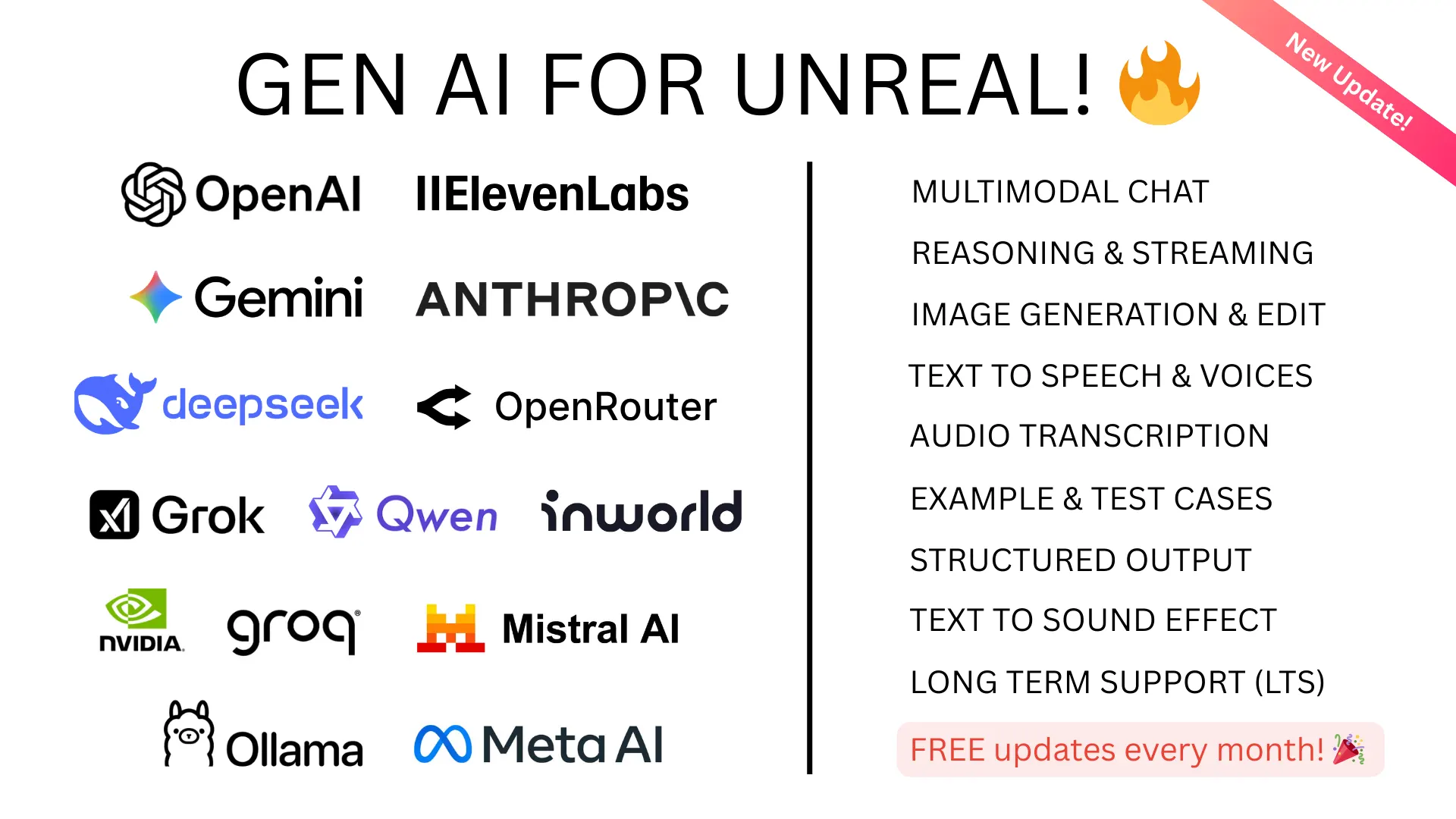
GenAI for Unreal supports the complete Gemini ecosystem. Chat, streaming, vision, image generation, TTS, transcription, and realtime audio — all through the same consistent Blueprint and C++ API used for every other provider.
- Get your API key from Google AI Studio
- Install the plugin from Fab
- Start building — the docs cover everything