Using Claude AI in Unreal Engine
Anthropic's Claude models have earned a reputation for nuanced, thoughtful responses — qualities that translate directly into better game AI. If you want NPCs that feel genuinely intelligent rather than robotic, Claude is worth serious consideration.
Why Claude for Games?
Claude excels at following complex instructions and maintaining consistency across long conversations. In a game context, that means:
- Characters that stay in character. Give Claude a detailed persona and it holds it across dozens of exchanges without drifting.
- Nuanced narrative generation. Claude handles moral ambiguity, emotional subtext, and branching storylines better than most models.
- Extended thinking. Claude 4.5 and newer models can reason through complex scenarios before responding — perfect for AI game masters that need to consider multiple factors before making narrative decisions.
Claude vs. GPT for Game Development
Both are excellent. The practical difference comes down to what you're building:
- Claude tends to produce more consistent long-form narrative and is better at following detailed system prompts
- GPT models offer a wider ecosystem (TTS, image generation, realtime audio) through a single provider
- Claude's function calling support means it can trigger in-game actions just like OpenAI's models
The good news is you don't have to choose one forever.
How to Integrate
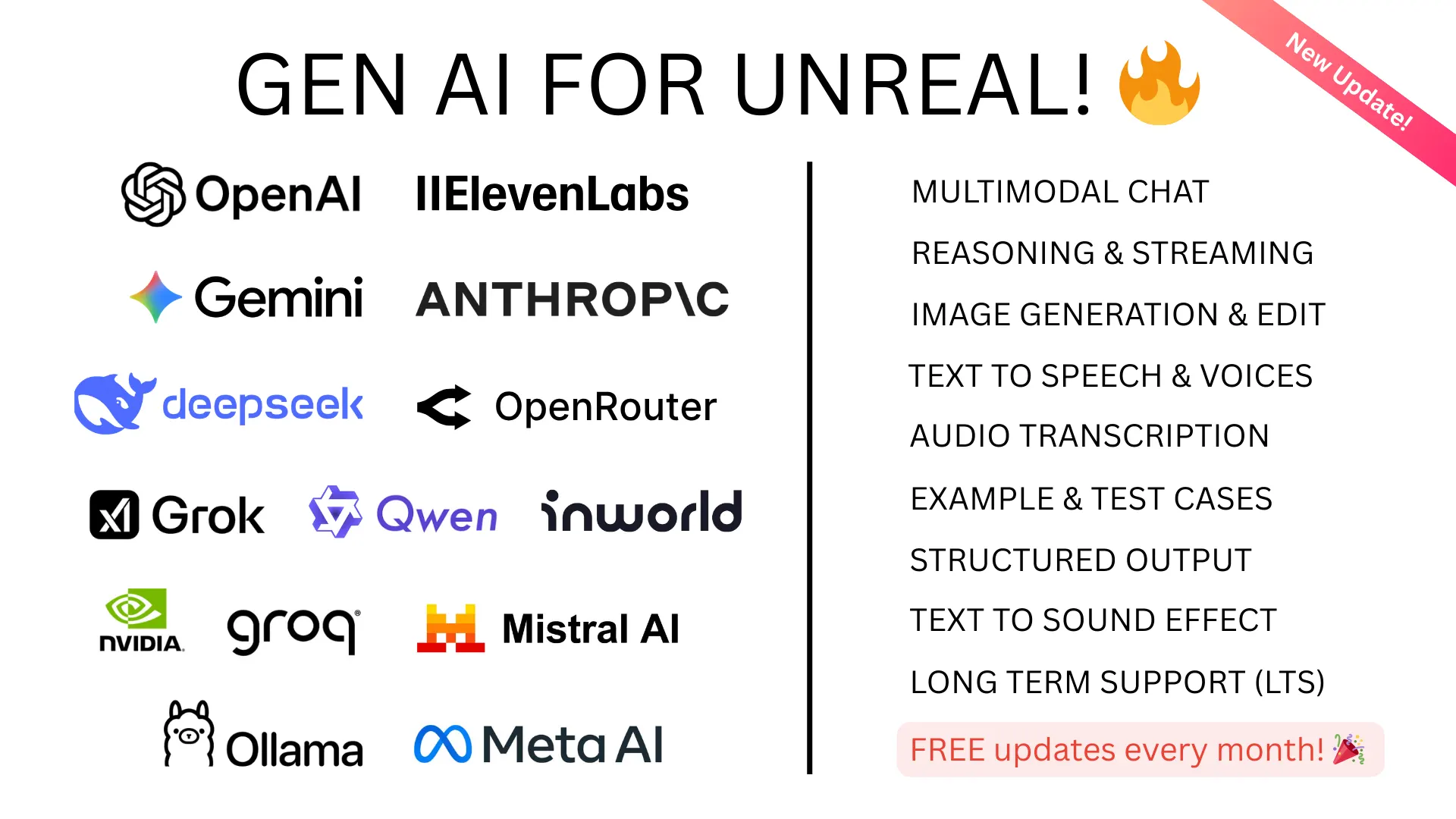
GenAI for Unreal supports Claude alongside OpenAI, Gemini, DeepSeek, and others — all through the same clean API. Switch between providers by changing a single setting, no code rewrite required. The plugin supports Claude Opus 4.6, Sonnet 4.6, and the full Claude 4.5/3.5 family.
This means you can prototype with one model and ship with another, or even let players choose their preferred AI backend.
Getting Started
- Grab an API key from Anthropic's console
- Install the plugin from the Fab marketplace
- Follow our documentation to make your first Claude request