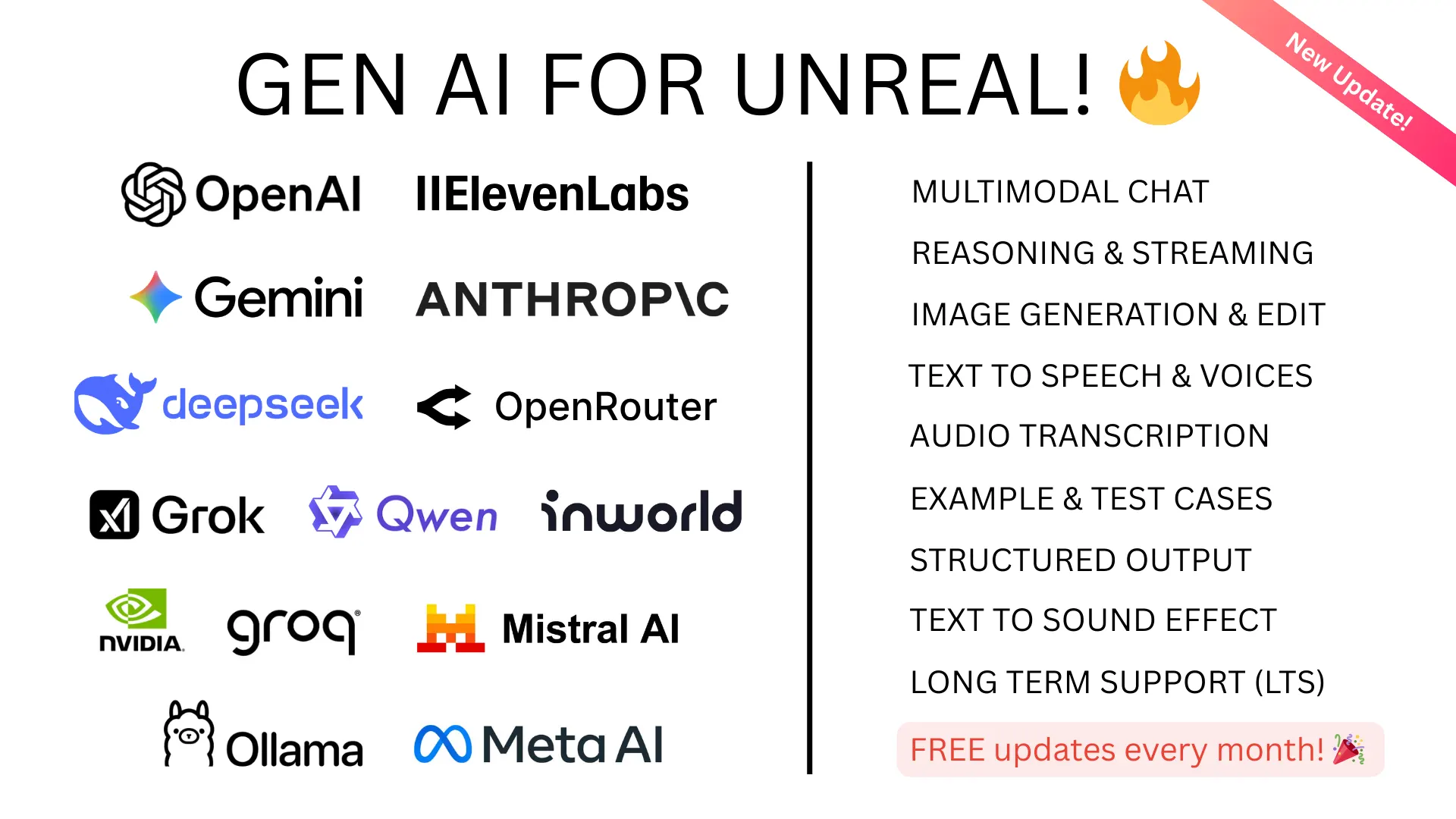
Multimodal AI and Vision in Unreal Engine
Multimodal AI models don't just read text — they see images. Send a screenshot, a texture, a render, or any in-game visual alongside a text prompt, and the AI analyzes both. This opens entirely new categories of game AI that weren't possible with text-only models.
What Multimodal AI Can Do in Games
- AI that sees the game world. Capture a screenshot and ask the AI to describe what's happening, identify objects, or suggest player strategies.
- Visual puzzle solving. Players photograph in-game clues and ask NPCs about them.
- Art analysis. AI reviews player-created content, paintings, or builds and provides commentary.
- Accessibility. Describe visual scenes for visually impaired players.
- QA and testing. AI analyzes screenshots for visual bugs, clipping, or rendering issues during development.
Available Vision Models
Cloud (via GenAI for Unreal)
- GPT-4o / GPT-5 Vision — OpenAI's multimodal models, excellent general analysis
- Gemini Pro Vision — Google's multimodal model with strong visual understanding
- Claude Opus / Sonnet Vision — Anthropic's models with detailed image analysis
Local (via GenAI Llama)
- LLaVA — open-source vision-language model via Ollama
- Llama 3.2 Vision — Meta's multimodal model, runs locally
- Moondream — lightweight vision model for fast local processing
How It Works
Both GenAI for Unreal and GenAI Llama support multimodal input. Pass UTexture2D assets directly — the plugins handle Base64 conversion automatically. No manual image encoding required.