How to Run Local AI Models in Unreal Engine with Ollama
Not every project can send player data to a cloud API. Whether it's privacy requirements, offline play, latency concerns, or simply not wanting to pay per-request — running AI models locally is a legitimate need. Ollama makes this surprisingly practical.
What Is Ollama?
Ollama is a tool that lets you run open-source large language models on your own machine. Install it, pull a model, and you have a local API endpoint that works just like a cloud service — except it's running on your hardware with zero external dependencies.
Why Local AI for Games?
- Offline play. Your game works without an internet connection. No API outages, no latency spikes, no downtime.
- Privacy. Player conversations with NPCs never leave the device. Important for games that handle sensitive topics or target privacy-conscious markets.
- Zero marginal cost. Once deployed, there are no per-request API fees. Run millions of AI interactions without worrying about your bill.
- Latency. On decent hardware, local models can respond faster than cloud APIs because there's no network round trip.
The Tradeoff
Local models are smaller and less capable than frontier cloud models. A 7B parameter model running on a gaming GPU won't match GPT-5 or Claude Opus. But for many game applications — shopkeeper dialogue, item descriptions, simple quest generation — smaller models are more than sufficient.
The sweet spot for many developers: use local models for routine interactions and cloud models for the moments that demand peak intelligence.
Models That Work Well
- Gemma 3 1B — Google's small model, fast and efficient
- Llama 3.2 — Meta's compact model, good general quality
- Phi-3 — Microsoft's small model, strong reasoning for its size
- Nemotron 3 Nano — NVIDIA's optimized small model
Two Ways to Integrate
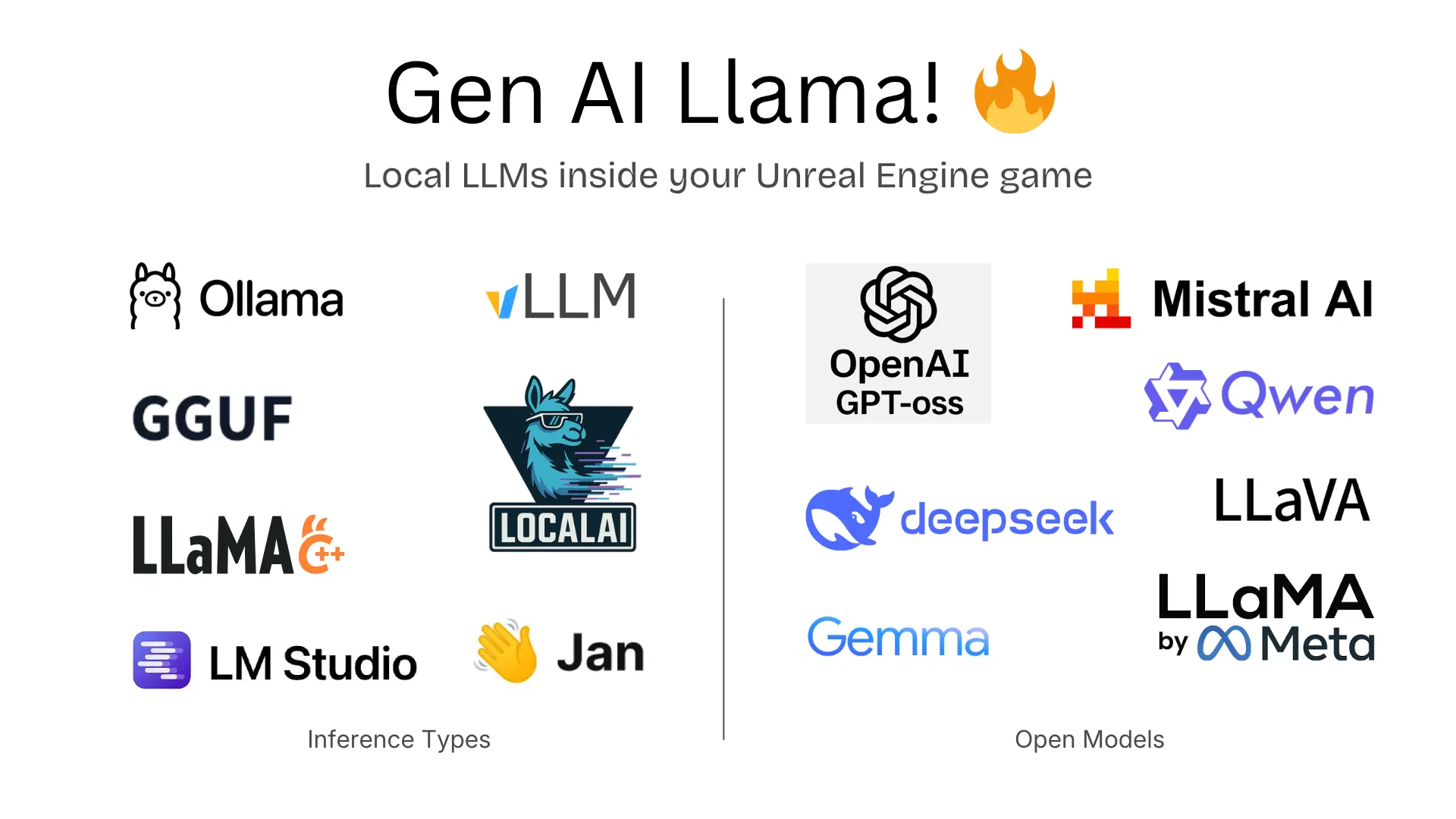
GenAI Llama (formerly Unreal Ollama) — Our plugin for local AI with 7 HTTP providers (Ollama, LM Studio, llama.cpp server, vLLM, LocalAI, Jan) plus embedded llama.cpp inference for running GGUF models directly in your game process. Run Llama 3, Mistral, Phi, Gemma, DeepSeek, and hundreds more models locally. Chat completions, streaming, multimodal vision support, Blueprint and C++ APIs. Available on Fab.
GenAI for Unreal — Our full plugin also supports Ollama through its OpenAI Compatible Mode. This means you can use Ollama alongside cloud providers and switch between them dynamically — local models for offline, cloud models when connected.
Getting Started
- Install Ollama and pull a model (
ollama pull gemma3:1b) - Install either plugin
- Point the plugin at
http://localhost:11434and start chatting