How to Integrate Any LLM into Unreal Engine
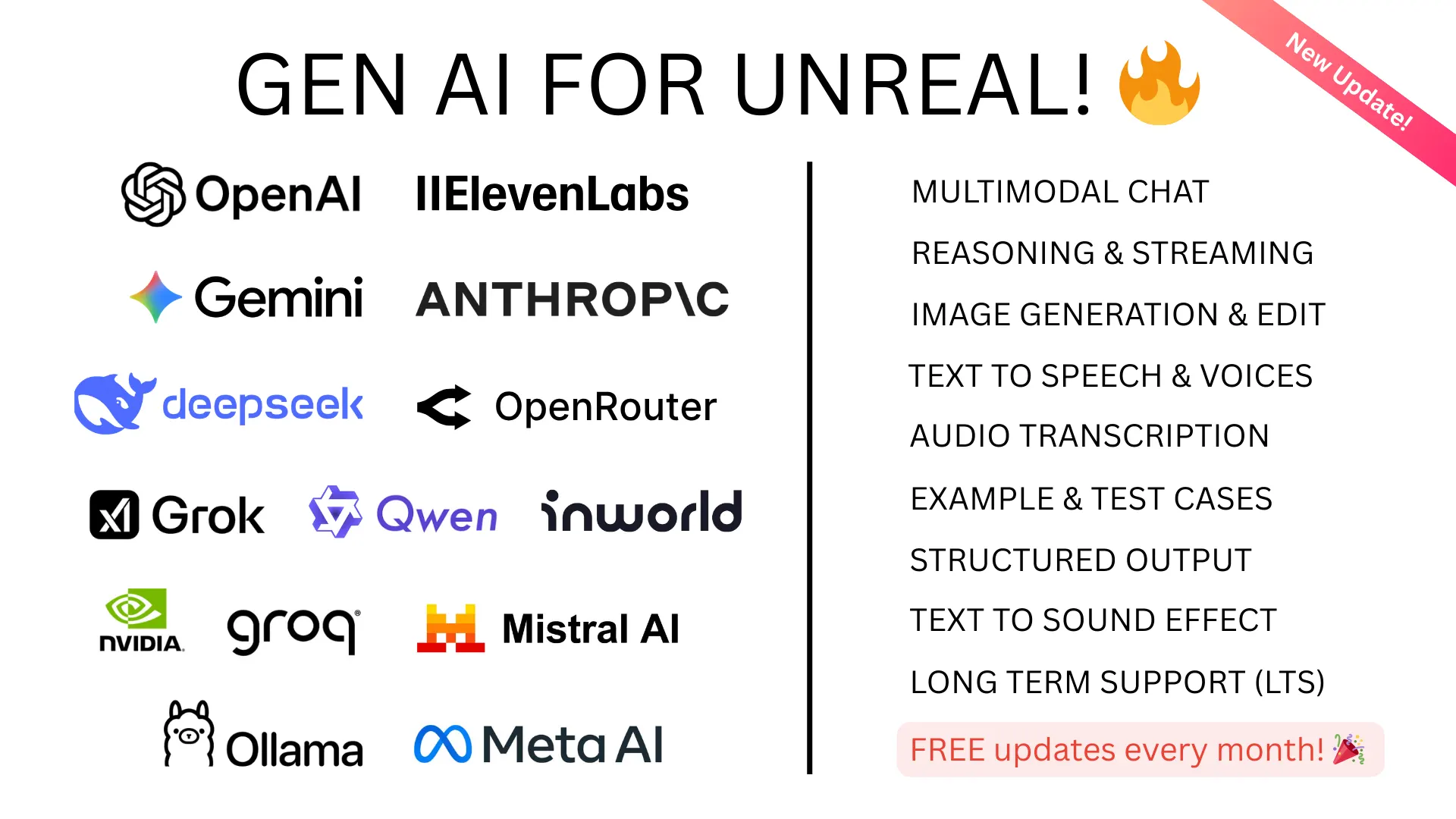
Adding AI to Unreal Engine is simpler than you'd expect. Whether you want ChatGPT, Claude, Gemini, DeepSeek, Grok, or a local model like Llama — the integration path is the same. This guide covers both Blueprint and C++ approaches.
The Challenge
LLMs communicate over HTTP APIs with JSON payloads. Integrating them into a game engine requires:
- Asynchronous HTTP requests (can't block the game thread)
- Server-sent event streaming for real-time responses
- Conversation history management for multi-turn dialogue
- Audio encoding/decoding for voice AI
- Image encoding for multimodal input
- WebSocket connections for real-time voice APIs
Building this from scratch is weeks of networking boilerplate before you write a single line of game logic.
The Fast Path
Our plugins handle all the infrastructure so you can focus on game design:
Cloud AI — GenAI for Unreal
GenAI for Unreal supports:
- Chat providers: OpenAI (GPT-5, GPT-4o, o3, o4-mini), Anthropic (Claude Opus/Sonnet 4.6), Google (Gemini 3.1), XAI (Grok 4.1), DeepSeek (V3.1, R1)
- Image generation: DALL-E, GPT-Image-1, Imagen 4.0
- Text-to-speech: OpenAI TTS, ElevenLabs, Google TTS
- Speech-to-text: OpenAI Whisper, ElevenLabs Scribe
- Real-time voice: OpenAI Realtime API, Gemini Live
- OpenAI Compatible Mode: Ollama, Groq, OpenRouter, Mistral, Together AI, and more
- Advanced: Function calling, structured JSON output, streaming, vision, conversation history
Local AI — GenAI Llama
GenAI Llama connects to Ollama for local model inference:
- Chat completions and streaming
- Multimodal vision support
- Any Ollama model: Llama 3, Mistral, Phi, Gemma, DeepSeek, CodeLlama, and hundreds more
- Zero cloud dependency — run AI completely offline with no per-token costs
3D Generation — GenAI Model Generator
GenAI Model Generator for AI-powered 3D model and texture generation:
- Text-to-3D, image-to-3D, retexturing, texture generation
- 7 providers: Meshy, Tripo AI, fal.ai (Hunyuan3D, TripoSR, Rodin Gen-2, Trellis 2), Google
Getting Started
- Install the plugin from Fab marketplace
- Add your API key in Project Settings
- Drop an async Blueprint node into your graph
- You're making AI requests in under 5 minutes
All plugins support Blueprint and C++ with full documentation, example projects, and Discord community support.