Using DALL-E and AI Image Generation in Unreal Engine
AI image generation in games goes beyond concept art. Generate textures at runtime, create unique item icons, produce in-game paintings and photos, or build dynamic visual content that's different every playthrough.
Available Models
Each model has a different personality, and choosing the right one is mostly about intent. If you need reliable prompt-following for stylized game assets, DALL-E 3 is still a solid baseline. If you want higher visual fidelity and better prompt nuance, GPT-Image-1 is usually the better OpenAI choice.
On the Google side, Imagen 4.0 is great when you want realism, cleaner lighting, and strong composition for environment references. Gemini Nano Banana 2 tends to be a better fit for more playful or stylized visual exploration where you want variety quickly.
A practical approach is to pick one default model for production and one for exploration. That keeps your art direction consistent while still giving designers room to experiment.
Game Use Cases
Image generation is most useful when it is attached to systems the player already uses. The strongest implementations are usually "assistive" content, not core gameplay dependencies.
- Runtime textures for paintings, posters, photos, and signage in procedural spaces.
- Custom item icons for generated loot instead of reusing generic sprites.
- Character portraits generated directly from creation prompts.
- NPC-driven in-world art systems (for taverns, galleries, quest rewards).
For content teams, one of the best workflows is concept-to-3D: generate references inside Unreal, then convert selected outputs with image-to-3D. That shortens iteration loops between design and 3D production.
Practical Tips
To keep this production-safe, focus on consistency first and volume second. Most teams get better results by standardizing prompts and review steps before scaling generation.
Good baseline process:
- Generate low-cost thumbnails first for selection.
- Upscale or rerender only approved candidates.
- Store prompt metadata so assets can be reproduced later.
Then apply these guardrails:
- Define style presets per game area (fantasy town, sci-fi lab, post-apocalypse) for visual consistency.
- Store the exact prompt + seed metadata with each generated asset for reproducibility.
- Run moderation/safety filtering before showing player-generated prompts publicly.
- Use composition hints like camera angle, focal length, and lighting direction.
- For icon generation, request simple backgrounds and strong silhouette contrast.
- For texture generation, explicitly ask for tileable/seamless output.
- If model output drifts, tighten prompt templates instead of adding random adjectives.
Integration
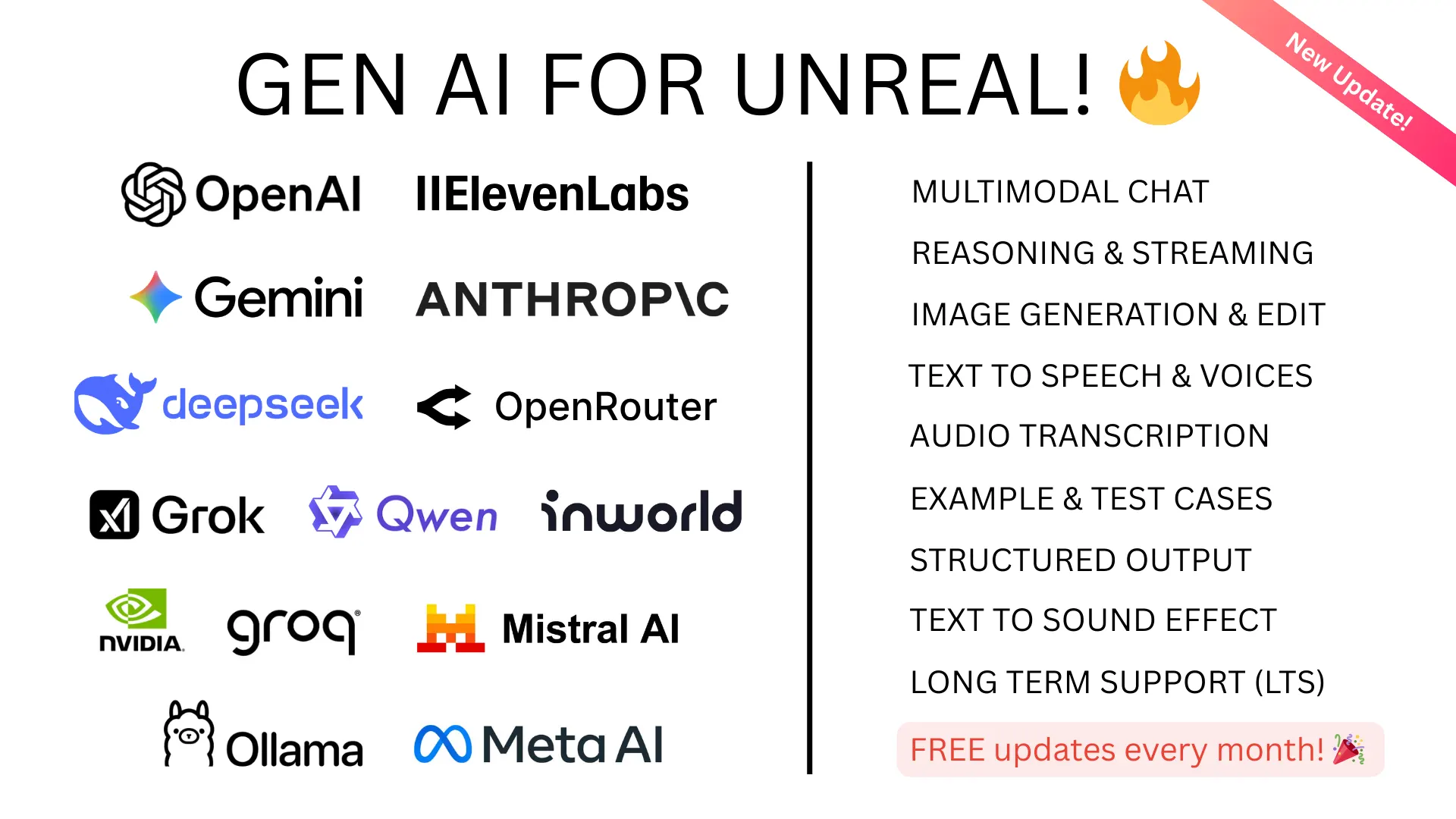
GenAI for Unreal supports DALL-E, GPT-Image-1, Imagen 4.0, and Gemini Nano Banana 2 through Blueprint and C++ APIs. Generated images are returned as UTexture2D assets ready for use in materials, UIs, or widgets.