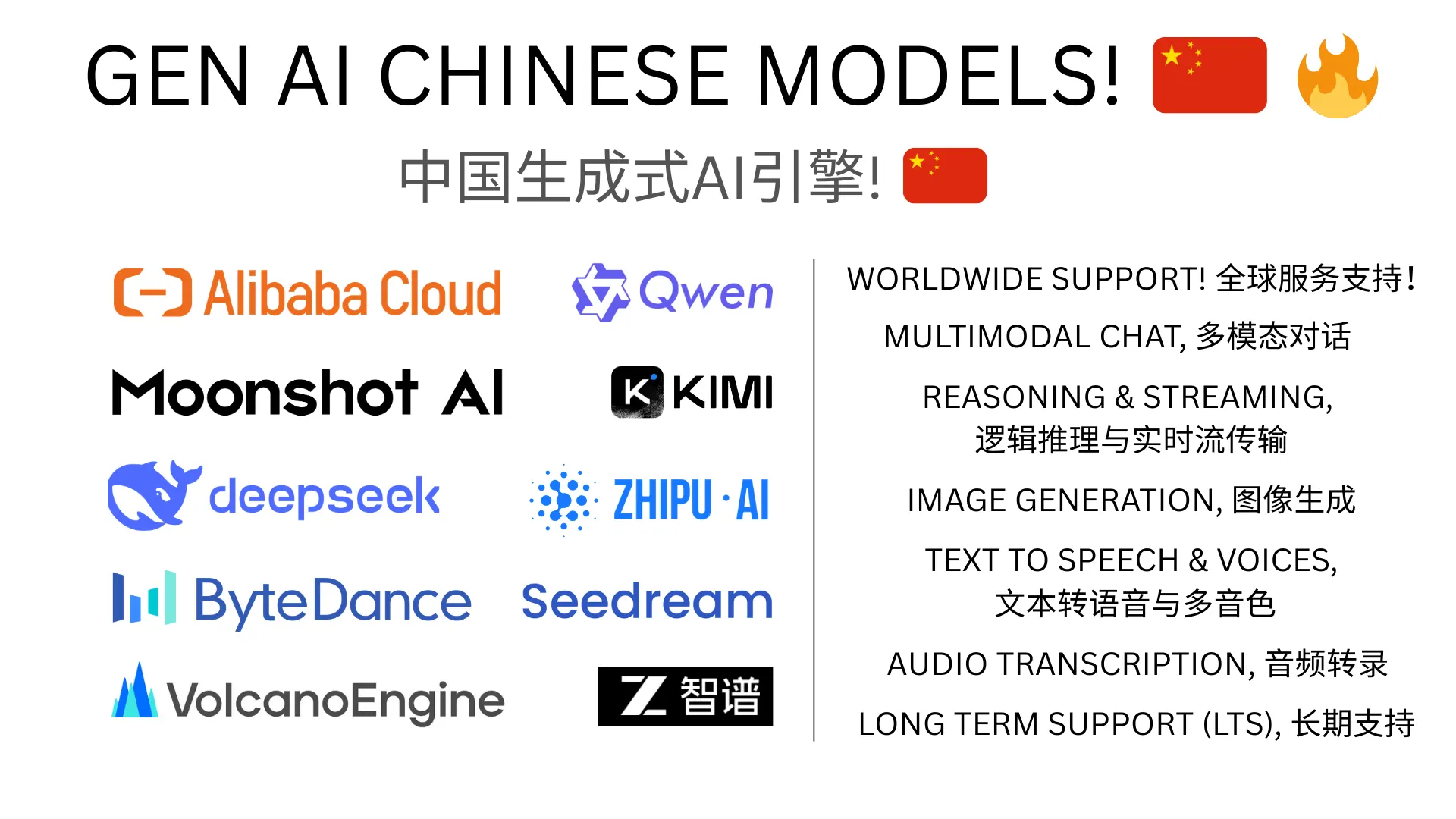
Using Alibaba Qwen AI in Unreal Engine
Alibaba's Qwen models are among the strongest AI models coming out of China, and for developers targeting Chinese-speaking markets — or anyone who wants access to competitive models with different strengths — they're well worth exploring.
Why Qwen?
Excellent Chinese language support. If your game needs NPCs that speak natural Mandarin, Qwen models are purpose-built for this. The cultural context and language nuance is noticeably better than using western models for Chinese dialogue.
Multimodal capabilities. Qwen VL models handle both text and images, enabling vision-based gameplay features.
Competitive quality. Qwen-Max and QVQ-Max regularly benchmark alongside frontier western models. You're not sacrificing intelligence for language support.
Regional availability. Alibaba offers both Mainland China (Bailian) and international (Singapore Model Studio) endpoints, so the same models work regardless of where your players are.
Beyond Chat: The Full Stack
Qwen isn't just a chat model. Through Alibaba's platform you get:
- Chat completion with streaming for real-time dialogue
- Image generation for dynamic visual content
- Text-to-speech for voiced NPC dialogue in Chinese
That's a complete AI stack for a Chinese-language game, all from one provider.
How to Integrate
GenAI Chinese Models is our dedicated Unreal Engine plugin for Chinese AI providers. It supports Alibaba Qwen (chat, images, TTS), Bytedance (chat, images), and Moonshot Kimi (chat) — all with Blueprint and C++ APIs.
For developers who also use western providers, our main GenAI for Unreal plugin supports Qwen through OpenAI Compatible Mode as well.
Getting Started
- Create an account on Alibaba Model Studio (international) or Bailian Console (Mainland China)
- Install from Fab
- Follow the documentation